Garmin companion app
The STAmina Companion App turns your Garmin watch into a heart-rate sensor while you train with the STAmina phone app. It works with Garmin Descent™ Mk2 and other Garmin watches that support Connect IQ apps.
Your watch may have an SpO₂ sensor, but Garmin doesn’t make real-time SpO₂ available to apps, so STAmina shows heart rate only. See why there’s no real-time SpO₂ from watches.
Requirements #
- STAmina Apnea Trainer 6.5.0 or later on your phone
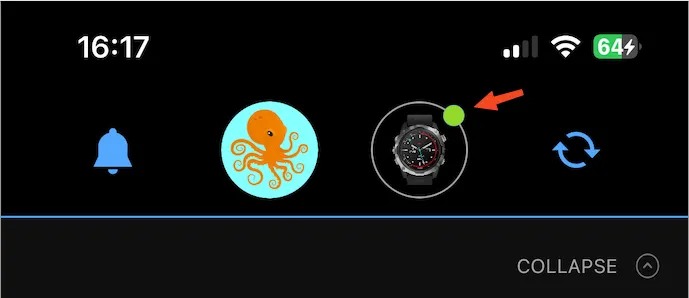
- The Garmin Connect™ app installed on your phone, with your watch connected and active: you’ll see a green dot next to the watch icon in Garmin Connect.
Install and connect #
- Install the STAmina Companion App on your watch from the Connect IQ store.
- In STAmina on your phone, open Settings → Devices → Add a new device → Smart watch.
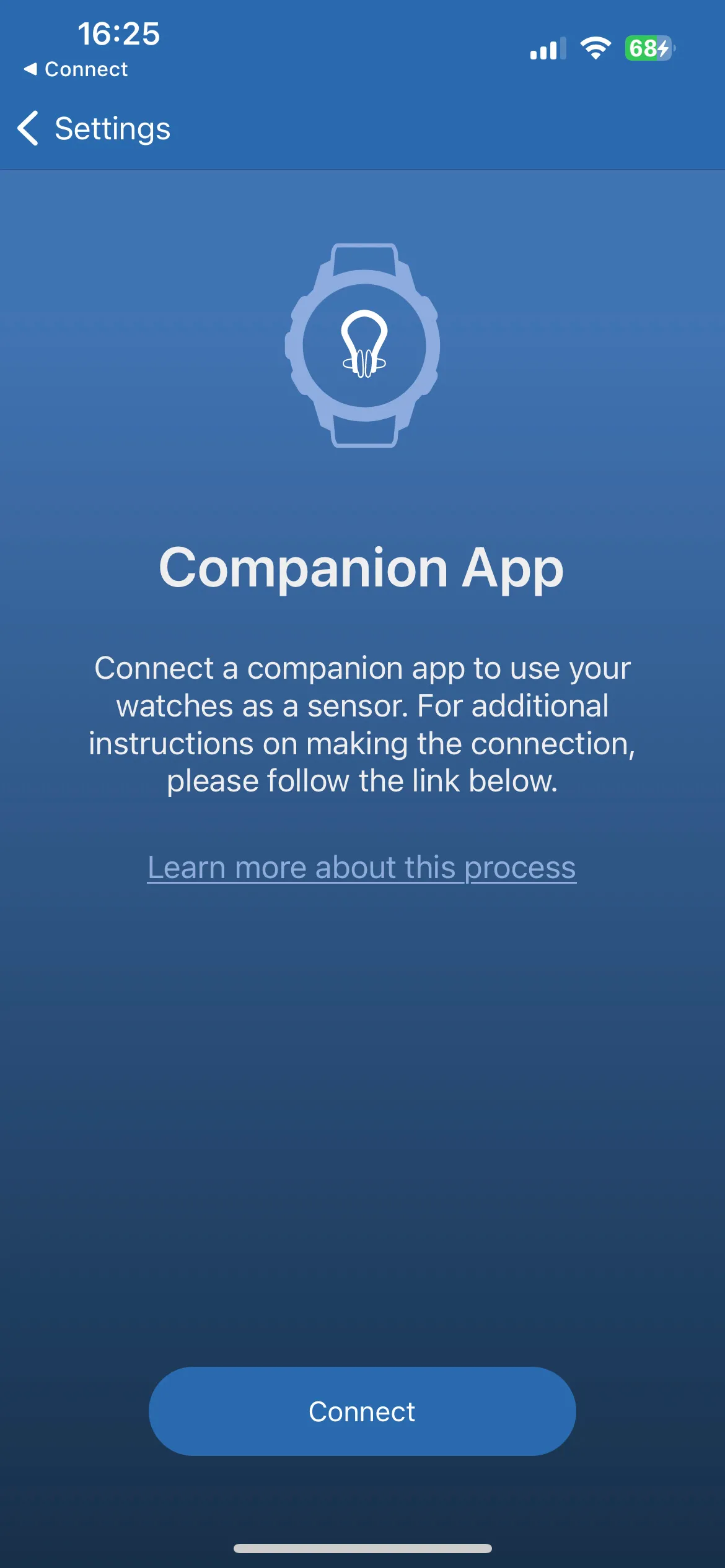
- Choose I want to use my watch as a heart rate monitor, then tap Connect on the Companion App screen.
Once connected, your heart rate from the watch appears live during every session.